
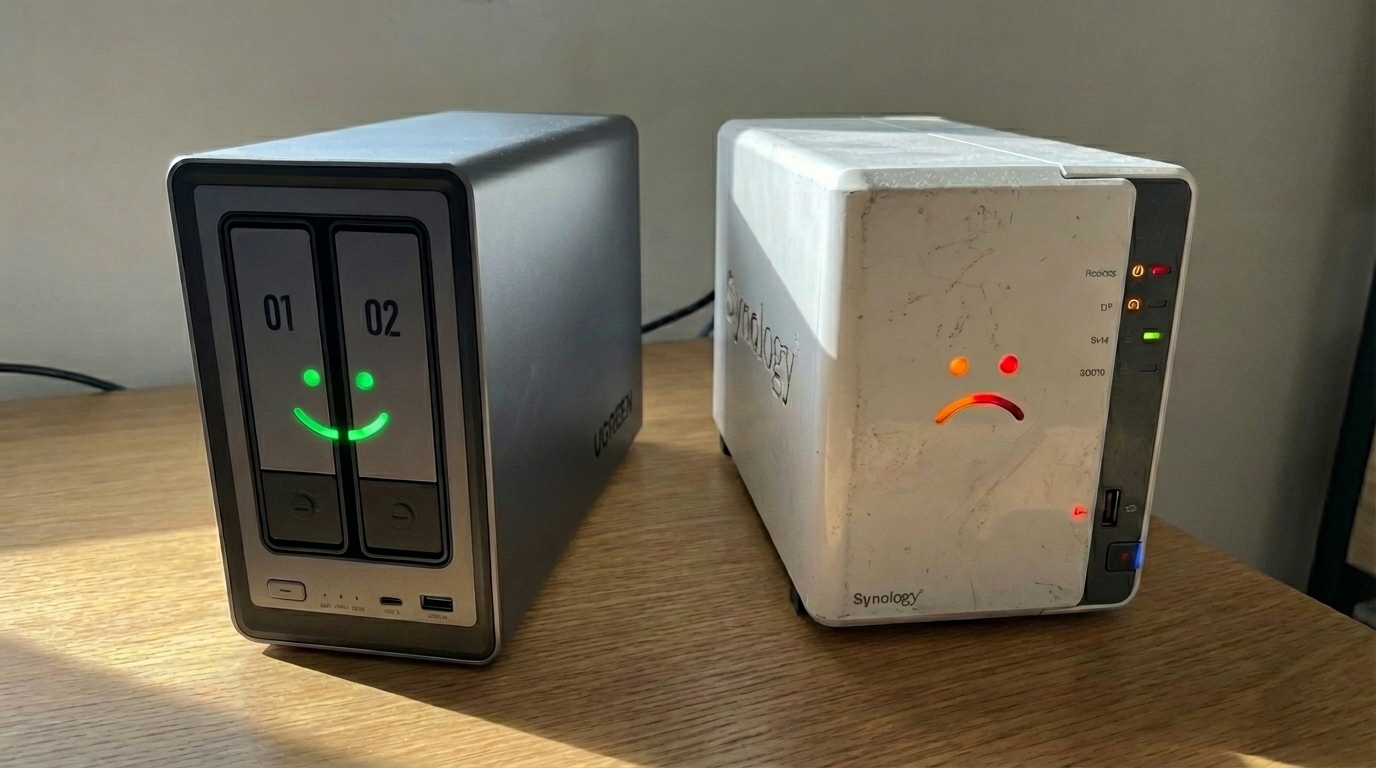
I’ve spent the last 120 days living with the UGREEN DXP2800. If you follow the NAS world, you already know the drama. UGREEN basically parachuted into the market with hardware that makes the big names look like they’re stuck in 2018.
Here is how it actually handled my home lab setup.
The hardware: Modern specs, budget price
The standout is the Intel N100. It is a low-end chip, sure, but in the 2-bay storage world, it is a massive step up from the aging processors the competition still charges a premium for.
In my own setup, I use a separate Dell Micro PC as my Plex media server. The UGREEN just acts as the high-speed vault for my 4K movies. Since it has 2.5GbE networking right out of the box, feeding those massive files to my server and eventually my OLED TV is seamless. To get these same specs from Synology, you are usually looking at a $600+ unit.
UGOS Pro vs. DSM 7
Synology is the established veteran: polished, predictable, and expensive. UGREEN’s software, UGOS Pro, is the new kid on the block.
It does the essentials like shared storage and file management well. The app ecosystem isn’t nearly as deep as Synology’s yet, but it handles daily home lab tasks without the usual slowdowns. For a high-performance storage hub, it is exactly what I needed.
The migration (the manual way)
If you plan on moving existing drives into a UGREEN, get ready for some manual labor. You cannot just “hot swap” and keep your data because the internal structures are totally different.
Since I was reusing my original drives, I had to do it the long way:
- Back up everything: I moved all my movies to an external USB drive first.
- Configure the UGREEN: I installed my two drives, set up the NAS, and recreated the volume from scratch. I stuck with the BTRFS file system because I was already familiar with it and it is reliable.
- The big copy: I plugged the USB drive back in and moved everything into the new volume.
It was not a “click a button” situation. It was a full data move that required a solid plan and an external backup.

The verdict: Am I going back?
No freakin’ way. The UGREEN DXP2800 isn’t perfect. The mobile app is still maturing, but when you look at the hardware for the price, Synology feels like a bad deal. I am getting faster transfers and a more capable environment for $150 less than the equivalent big-brand box. Plus, I am getting a current-gen Intel N100 instead of the older Celerons the competition is still hanging onto.
If you want a solid storage hub that handles high-speed data without the brand tax, this is a strong choice.
Checkout some of our other great posts:
- Nvidia Just Agreed to Backstop $250 Billion So OpenAI Can Buy Nvidia Chips

- Your AI Picked a Lock Last Week and nobody panicked?

- New York Just Slammed the Brakes on AI Data Centers. Who’s Next?

- Tesla Just Dumped Driverless Robotaxis in Miami and Nobody’s Watching

- SK Hynix, The Company Making Your Gadgets Cost More Just Went Public and Cashed In