2 minute read
Your 2-year-old laptop feeling sluggish? Don’t toss it yet. Here’s how to get it running smooth again.
Clean House First
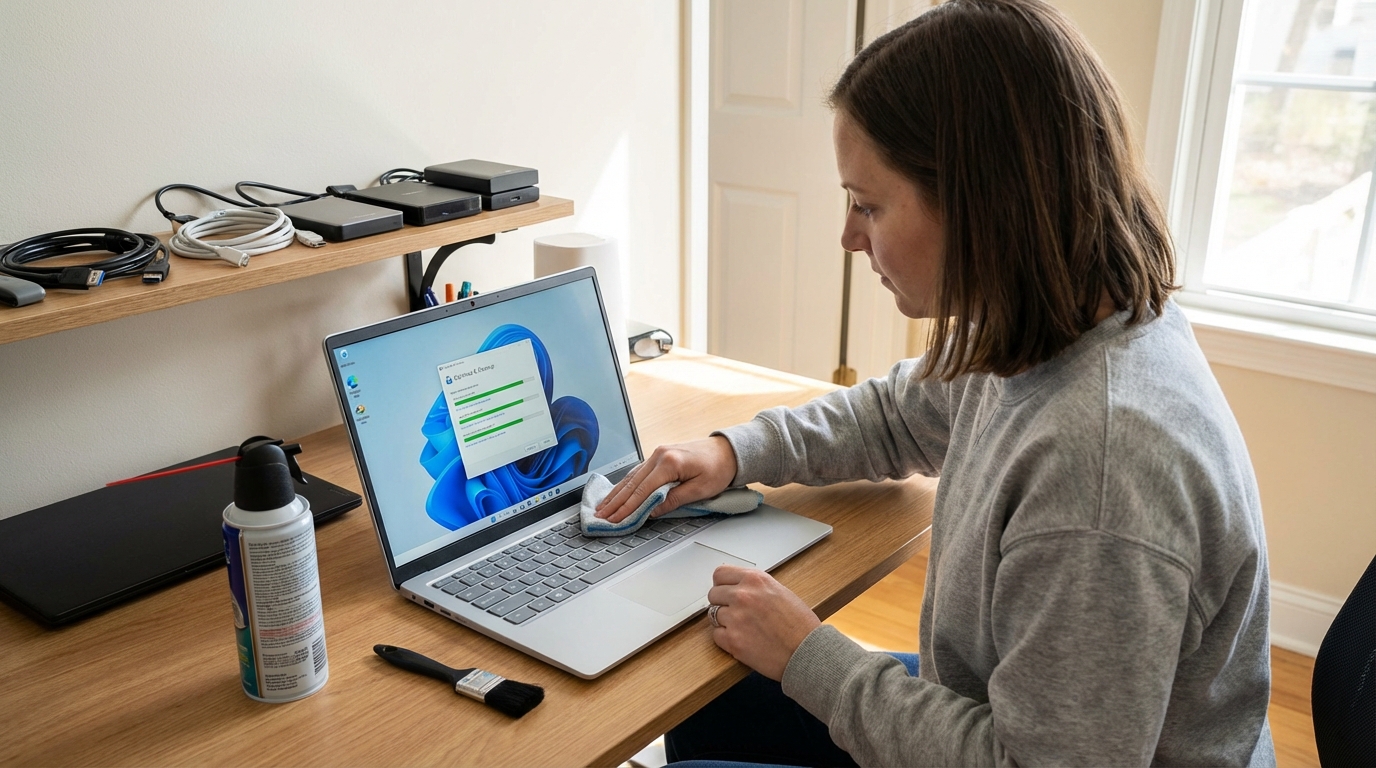
Start by uninstalling programs you never use. Head to Settings > Apps and remove what you don’t need. Then hit up Task Manager (Ctrl + Shift + Esc) and disable startup programs slowing down your boot time. Run Disk Cleanup to clear out the junk—make sure to click “Clean up system files” for a deeper scan. You’d be surprised how much space old Windows updates eat up.
The Big Wins
Still using a traditional hard drive? It’s time to upgrade to an SSD. Seriously, it’s like getting a new laptop. Due to AI demand driving up prices, expect to pay $120-200 for a quality 1TB SSD in 2026 (prices have roughly doubled from previous years). Already have an SSD? Keep at least 20% of it free or it’ll slow down.
Got 8GB of RAM or less? Close those 47 Chrome tabs. Better yet, check if you can upgrade your RAM. Many laptops make this pretty easy, though RAM prices have roughly doubled due to the same AI-driven shortages affecting SSDs.
Quick Tweaks That Help
Enable Storage Sense in Settings so Windows automatically cleans itself up.
Blow out your vents with compressed air—dust buildup makes everything overheat and throttle. And please, don’t use your laptop on your bed. It needs to breathe.
When All Else Fails
Consider using Windows 11’s “Reset this PC” feature for a fresh start. Back up your files first, but wiping the slate clean can fix a ton of weird performance issues.
Your laptop’s got plenty of life left with a little TLC. Focus on the basics and you’ll be shocked at the difference.
Other great articles to think about