
3 minute read
So you bought into Ring because the doorbells are cheap, the cameras work, and the app does the job. Then you got an iPhone, fell in love with the Apple Home app, asked Siri to show you the front door, and got back a polite “I can’t help with that.” Welcome to the dumbest gap in the smart home world. Ring is owned by Amazon. Apple has HomeKit. These two companies hate each other in the most expensive way possible, and you, the customer, get to be the collateral damage. Until you discover Homebridge.
Ring will never officially play nice with HomeKit, so stop waiting
Years ago Ring hinted that HomeKit support was coming. Spoiler: it never did. Amazon owns Ring, and Amazon really wants you using Alexa, not Siri. So if you’re holding out for an official “Works with Apple Home” sticker on the box, you’re going to be holding out forever. The good news is the open source community got tired of waiting too, and they built the bridge themselves. Literally.
Homebridge is basically a translator between two stubborn ecosystems
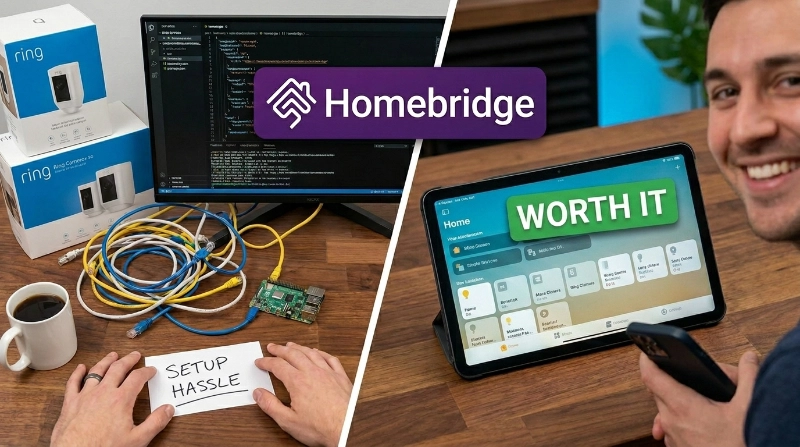
Homebridge is a free, open source server that pretends to be a HomeKit accessory while secretly talking to whatever weird device you actually own. You install a plugin called homebridge-ring, log into your Ring account once, and suddenly your doorbell, cameras, alarm panel, and smart lights all show up in the Apple Home app like they were always supposed to be there. It’s the kind of fix that makes you wonder why a billion dollar company couldn’t just do this themselves.
Yes, you have to host it somewhere, but it’s not as scary as it sounds
Here’s the part that scares people off. Homebridge needs to run 24/7 on something in your house. The classic answer is a Raspberry Pi, which is a tiny computer that costs less than a nice dinner and uses about as much electricity as a phone charger. If touching a command line gives you hives, there’s HOOBS, which stands for Homebridge Out Of The Box. It’s basically Homebridge with training wheels and a friendly web interface. Either way, plug it in, run through the wizard, scan a QR code, and you’re done.
What you actually get is kind of amazing
Once it’s running, your Ring doorbell shows up as a HomeKit camera. You get rich notifications with a snapshot of whoever is at the door. You can yell at Siri to arm or disarm your Ring Alarm. You can build automations that flip lights on when motion is detected. The video feed even supports two way audio. There’s a slight delay because the data is taking the scenic route through Ring’s cloud, but for most people it’s perfectly usable.
The catch nobody mentions
HomeKit Secure Video isn’t supported by the main Ring plugin, so if encrypted iCloud recording is your dream, you’ll need a different tool called Scrypted. Also, plugins occasionally break when Ring changes something on their end, so expect to update things every few months. Small price to pay for finally getting your stuff to talk.
sources: 9to5Mac, npm, LinkdHome, AddToHomeKit, HomeBridge Pro