2 minute read
4/1/2026 UPDATE: Apple has capitulated and released an update for iOS 18 devices, so it’s confirmed that anyone who hates iOS 26 Liquid Glass Apple doesn’t hate you back and will keep you protected. Anyone on older devices? Get a new one and Apple will “love” you once again. 😉
Everyone is talking about DarkSword, the latest “fear me” iOS malware out in the wild. Every newsletter, tech blog, and TikTok post is telling you to update your iPhone and iPad like yesterday. Sure, great advice, but what about older Apple devices? Ya know, the iPod Touches or older iPads and iPhones are basically S.O.L. S*** Outta Luck?
Old outdated and stuck
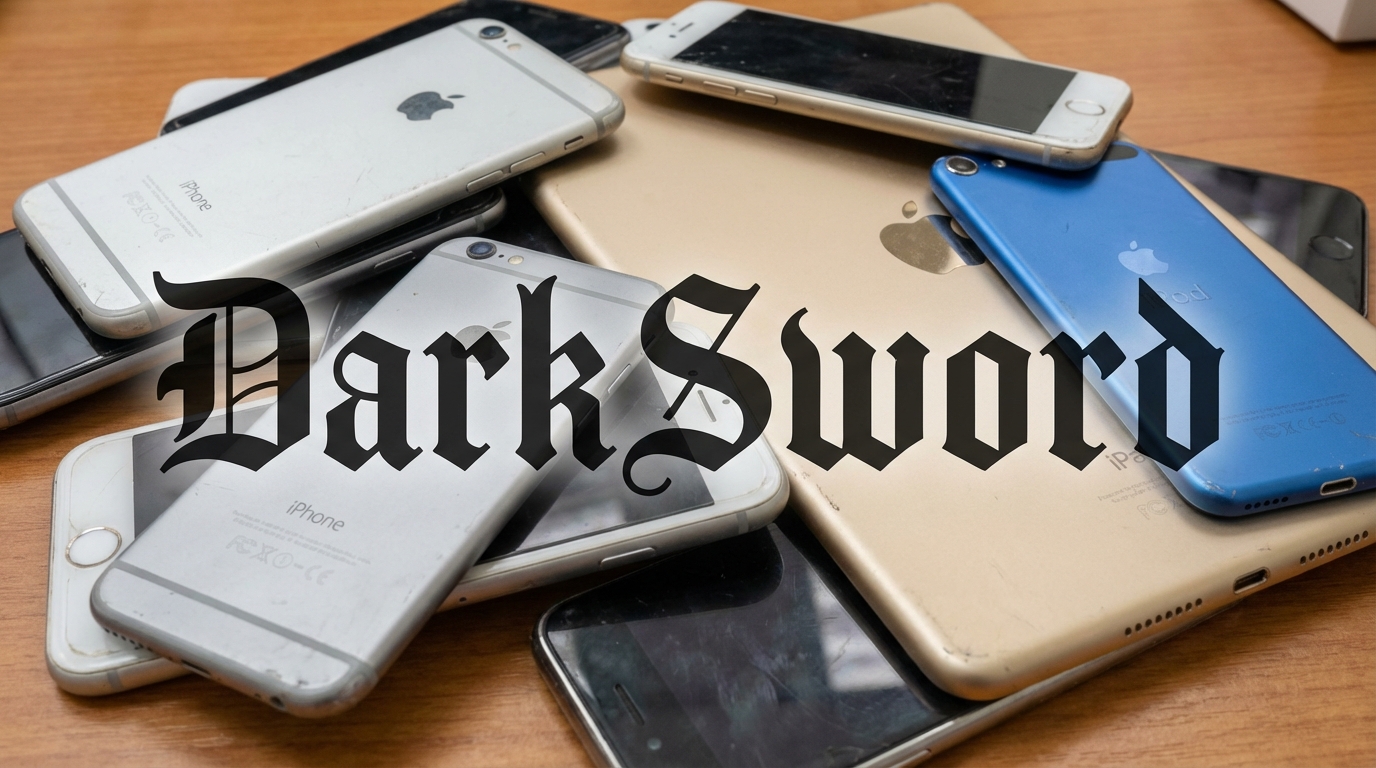
Millions of devices are stuck on older iOS versions and can no longer update. Old iPod Touches, iPhone 6s models, iPhone 7s. Devices people hang onto because they still work fine for calls, music, and browsing.
- Stuck on iOS 15: iPhone 6s, 6s Plus, SE (1st generation), 7, and 7 Plus
- Stuck on iOS 16: iPhone 8, 8 Plus, and X
- Stuck on iPadOS 15: iPad mini 4 (2015), iPad Air 2 (2014)
- Stuck on iOS 15.8.7: iPod Touch 7th gen (2019)
Apple solutions or lack thereof
Apple sometimes backports security fixes to older iOS versions so anyone running iOS 26.3.1, iOS 18.7.6 is already protected. But go back further, and it gets grim. iOS 13, 14, 15 haven’t received any security patches to fix this. Those devices are just sitting ducks, and Apple has no real obligation to fix them.
So what is Plan B err Plan C?
If your old device can still update to iOS 18, do it. If it genuinely can’t go any further, Apple recommends enabling Lockdown Mode, which limits certain browsing features and message attachments that could be exploited. It’s not perfect, but it helps. But there’s another catch. Lockdown mode is only available in iOS 16, iPadOS 16, macOS Ventura, and watchOS 10 or later. So, that iPod touch running 15.8.7, well, you’re stuck.
Here is the part nobody wants to say out loud: some devices have just aged out, and no amount of settings changes fixes that. So, time to put those old devices away somewhere and make sure they are not signed in to your Apple account.
Want to read about other Apple stories? Check below:
- Apple Just Raised Prices on Basically Everything and their Stock Shows it!

- The Memory Crunch Got So Bad That Even Apple Tapped Out

- Apple Just Spent Tim Cook’s Last Keynote Admitting It Lost the AI Infrastructure War